How to build a branded photo zone for a Barcelona conference
A conference brand zone can welcome guests, provide a clean photo background, display a product and support wayfinding. When every object is placed around one backdrop without a floor plan, queues form at the entrance, guests cover the logo and the photographer loses the required shooting distance. Start with the guest route and the intended photograph.
This guide uses items listed in the current rental catalogue: modular walls, arches, plinths and low podiums. The dimensions below come from that catalogue. Confirm the final layout, stability, loads, graphic fixing method and venue requirements before ordering.
Give each part of the brand zone one job
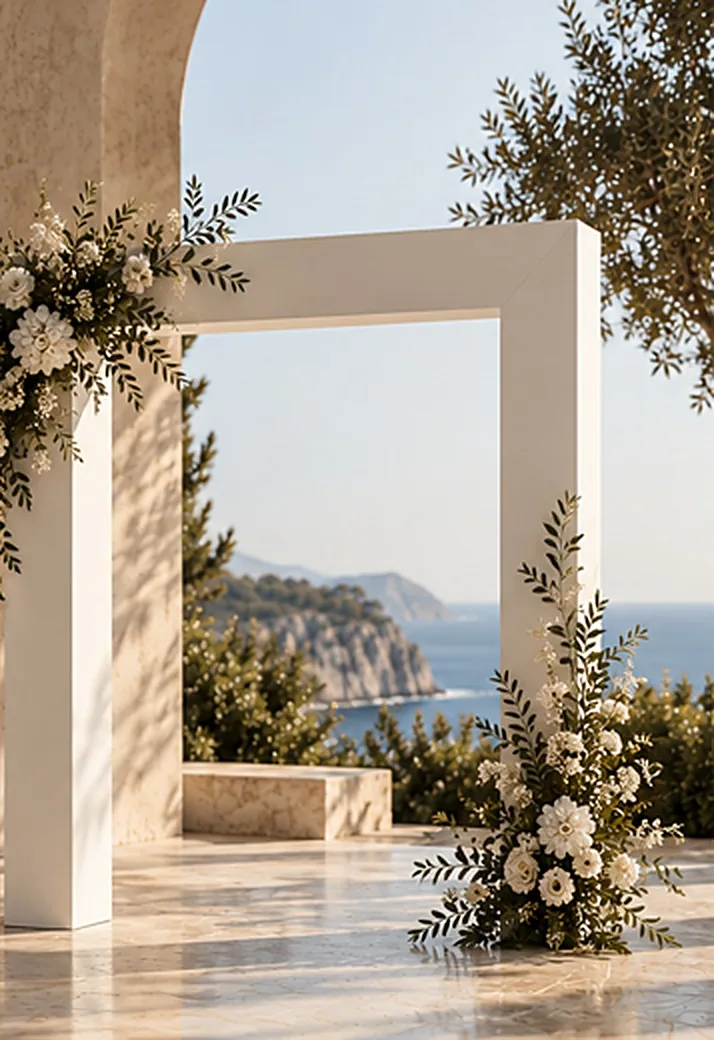
Entrance marker. An arch signals the start of the area and separates it visually from the main room. The catalogue includes a 250 × 250 cm U-shaped arch, a 200 × 240 × 30 cm horseshoe arch with a 120 × 200 cm opening, and a round arch measuring 240 cm in diameter and 30 cm deep. Compare the clear opening with the route used by guests and equipment. An arch placed across a busy aisle can create a bottleneck.
Photo background. The modular wall system includes a 240 × 100 cm straight module, arched and half-arched modules, a rounded corner, wave, circle, semicircle, low element and fluted panel. The catalogue also lists a transparent acrylic or polycarbonate insert. Send the drawing to our team so we can check the selected modules and connection method.
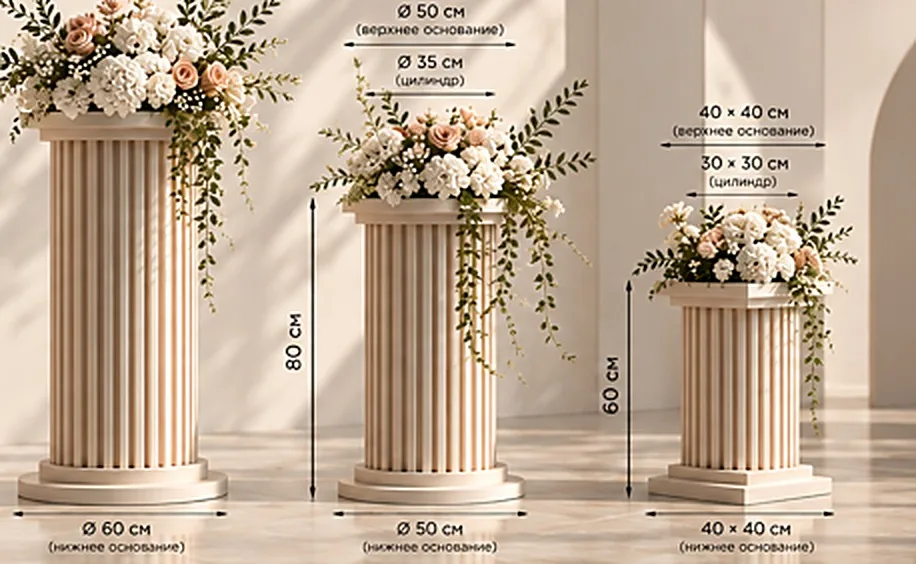
Product focal point. Plinths of different heights create a separate place for a product or floral arrangement. The fluted set contains three plinths at 60, 80 and 100 cm high. Universal plinths measure 35 × 35 × 80 cm and 40 × 40 × 100 cm. Confirm the permitted load before placing products, flowers or equipment on them.
Short presentation. The catalogue also lists 20 cm-high round and rectangular podiums. They can define a small presentation point, but they do not remove the need for a stage assessment. Check the selected size, access, edge treatment and load for the planned use.
Three layouts using listed catalogue items
1. Arrival and photograph
Place the U-shaped arch before a separate modular-wall background, leaving enough space between them for one person or a small group. View the logo and text through the camera from the photographer’s marked position. This simple check shows whether a guest will hide the key part of the artwork.
2. Background and product display
Use a straight module with a rounded module, then place two plinths of different heights in front. Give our team the exact weight, dimensions and centre-of-gravity information for any display object.
3. Registration and brand zone
Use a modular wall behind registration and an arch as a marker on the approach. The catalogue includes a 240 × 90 × 70 cm catering bar with lighting and a fluted front. Confirm its working side and intended use. A decorative front does not establish that the unit can carry the equipment needed at your registration desk.
Mark these details on the plan
- Show entrances, exits, the main guest flow, queues and staff routes.
- Draw each structure to scale and leave a clear shooting area in front.
- Mark the camera position, expected group size and direction of light.
- Identify power points and cable routes if the zone uses lighting or equipment.
- List the RAL colour, logos, wording and artwork delivery date separately.
The catalogue confirms RAL finish options for several products. It does not list printed graphics, dimensional logos or graphic installation as standard inclusions, so request these as separate items. A venue may also ask for information about stability, materials and installation. Send us those requirements before we finalise the structure.
Frequently asked questions
Can one wall module work as a photo zone?
It can, if the module covers the intended frame and can be installed securely in that position. Test the frame width, camera distance and visible wall edges on the floor plan.
Do I need an arch as well as a backdrop?
An arch can frame an entrance or create another visual layer. It is optional, and in a narrow foyer it may interfere with circulation. Let the measured plan decide.
Can the structures match a corporate colour?
The catalogue lists RAL finishes for several items. Confirm the closest code, surface material and preparation time for the exact product before approving the design.
What should I send for a quotation?
Send the date, address, measured plan, venue photographs, selected items, colour references, graphic layout, access window and the venue technical contact.
Browse the event structures and furniture rental catalogue. To price a brand zone, send your plan and item list through the enquiry form.